
hyperFile
Native macOS extended attribute (xattr) inspector, Quarantine & Provenance decoder, CloudKit sync analyzer, and APFS duplicate scanner.
TestFlight · v0.19.2
Platforms:
macOS 15.0+Universal2 (arm64 + x86_64)APFSSwiftUI + CLI
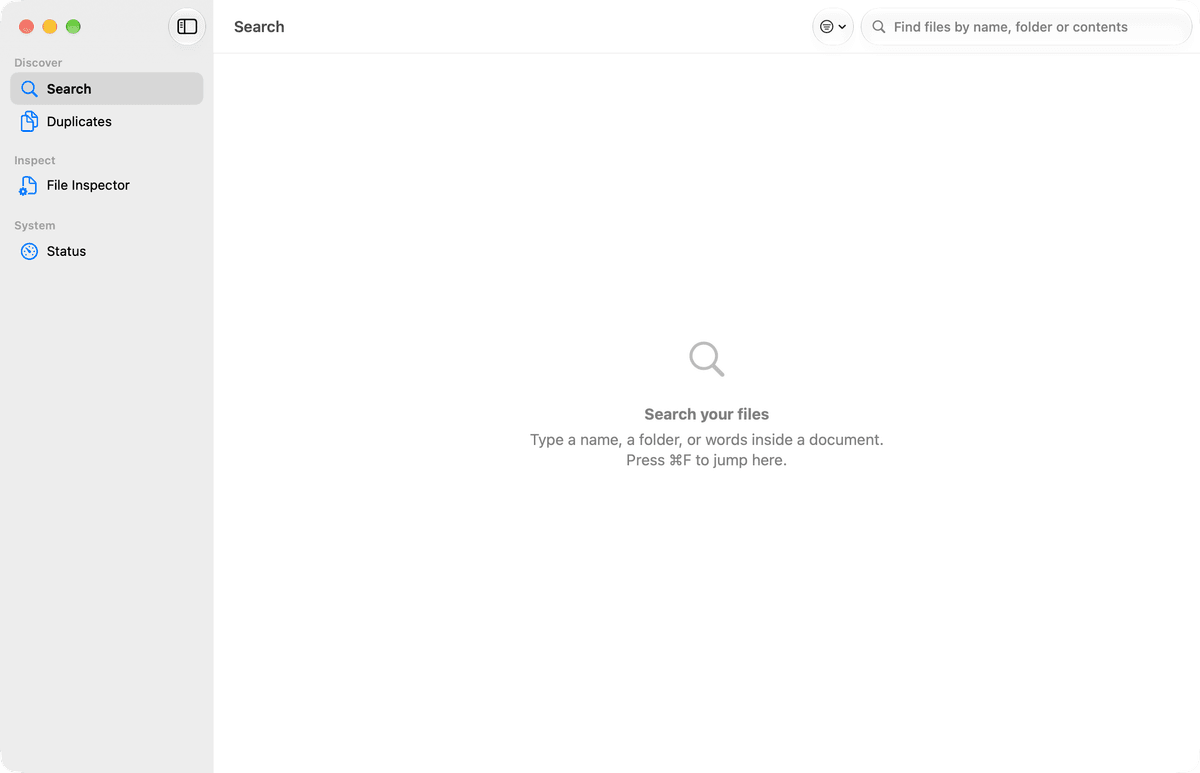
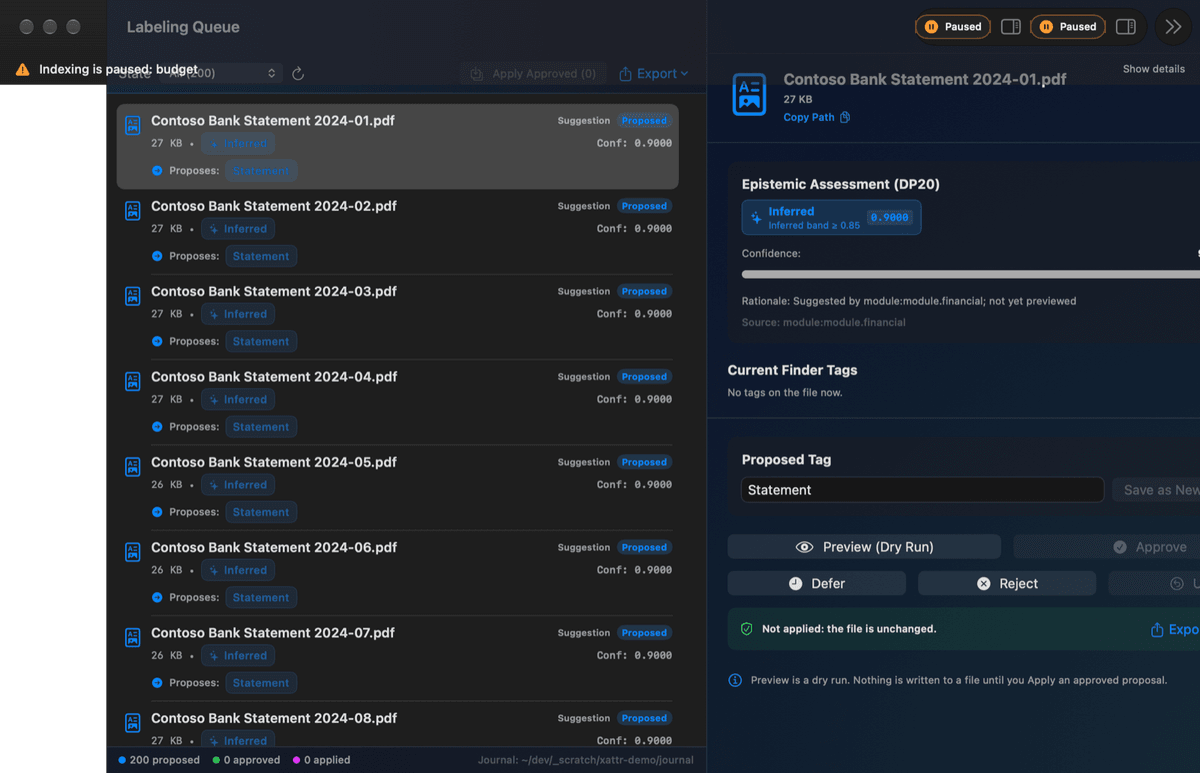
Application Screenshots
Captured on macOS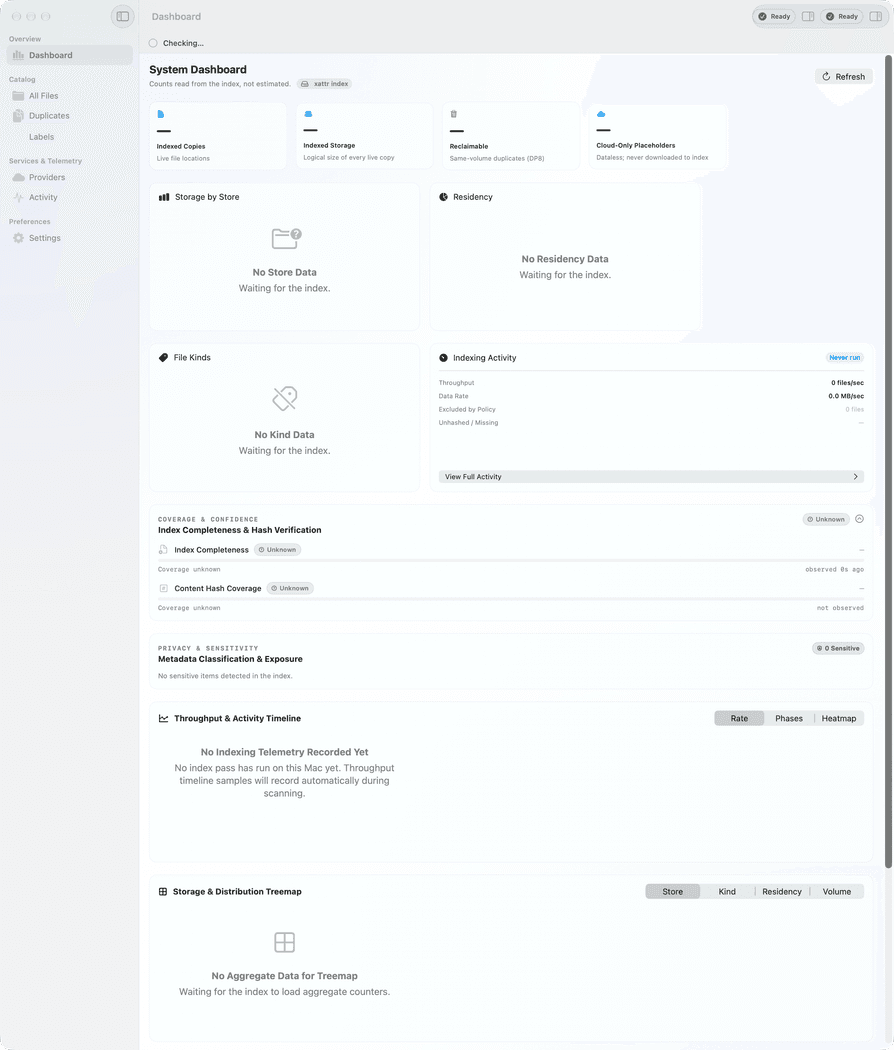
Key Features
- Structured binary plist and hex decoding for com.apple.quarantine, com.apple.provenance, FinderInfo, and code-signing extended attributes
- High-throughput SHA-256 content-addressed duplicate detector across local APFS volumes and cloud storage mounts
- Real-time FSEvents filesystem watcher paired with a local SQLite FTS5 metadata index for sub-second queries
- Cloud-eviction awareness for iCloud Drive, Dropbox, Google Drive, and OneDrive dataless FileProvider stubs
- Interactive Review Queue for safe batch quarantine clearing, metadata repair, and duplicate consolidation
- Companion command-line interface and MCP server for deterministic developer and agent workflows
System Requirements
- Operating System
- macOS 15.0 (Sequoia) or later · macOS 27.0 & 26.7 verified
- Architecture
- Universal2 binary (Apple Silicon arm64 & Intel x86_64)
- Code Signing
- Developer ID Application: east coast science, llc (ZU2882L4HT) · Apple Notarized
- Storage & Memory
- 42 MB app bundle · Local SQLite WAL index stored in Application Support
- Privacy & Permissions
- 100% offline index · User-selected folder access or Full Disk Access for volume scans
What's New
v0.19.2 (Build 128) ·- New app icon on every platform: a neon cyan centre with deep azure, royal blue and indigo accents.
- Faster first index of large folders.
- Correct handling of Dropbox files that are already on this Mac.
- iPhone and iPad document scanner now asks for camera access the same way as the rest of the app.